Look first. Tidy afterwards.
Zortio never moves anything without showing it first. So this page holds no promises – just results, worked out on folders that look the way real ones do.
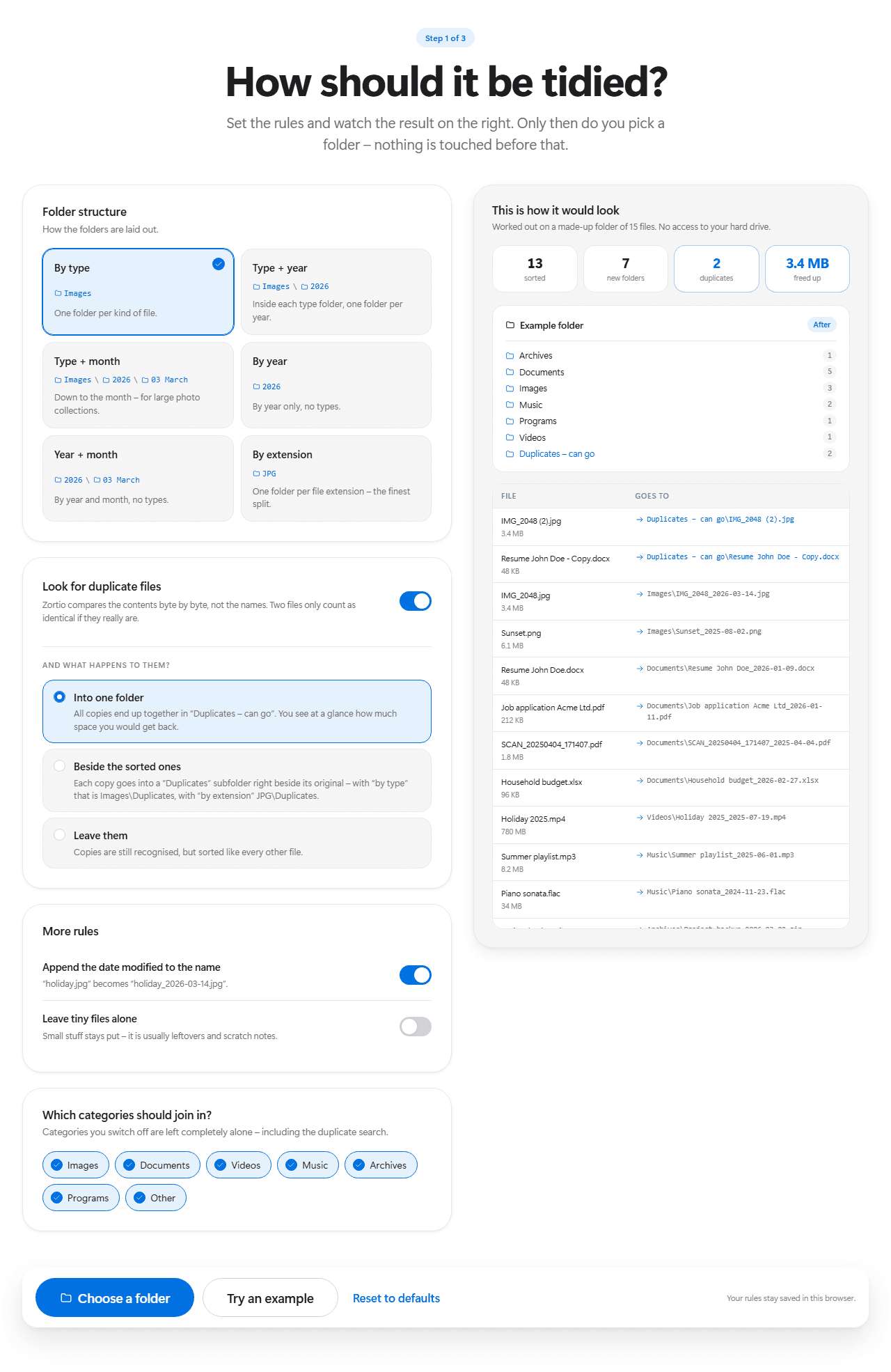
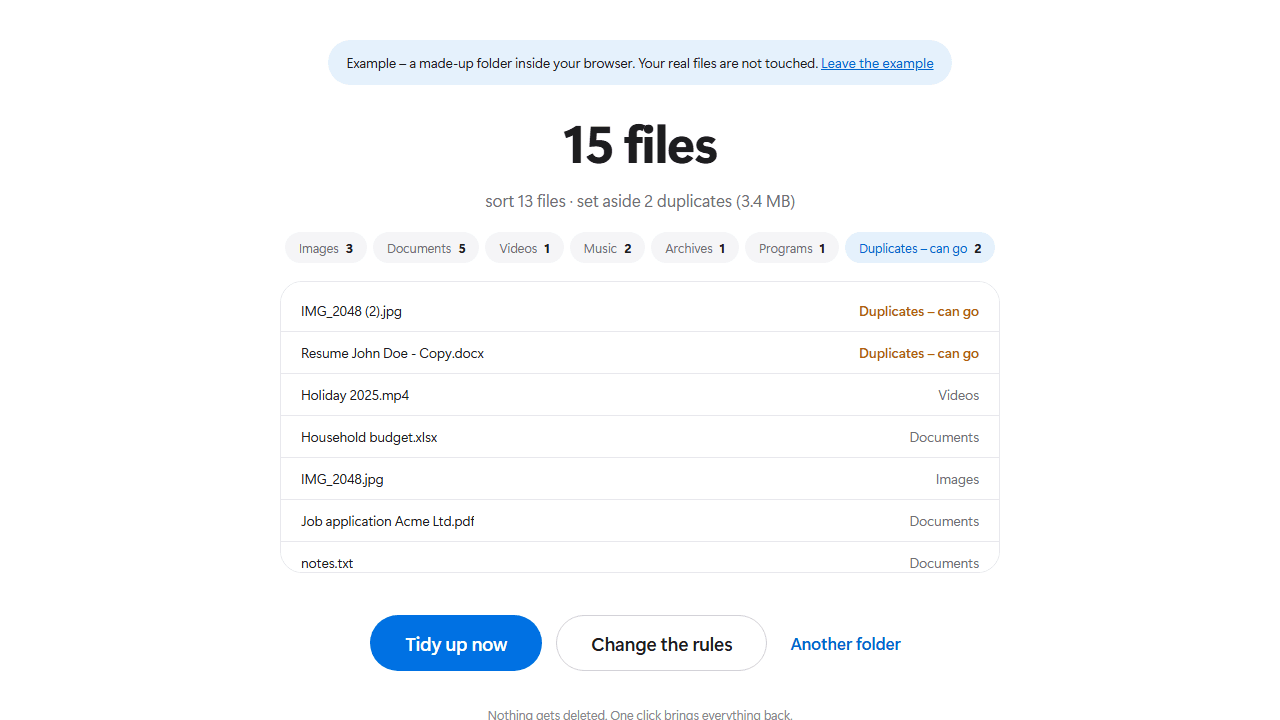
The very same preview you get inside the app – except here, without granting access to anything. Change a rule and watch the folder on the right rearrange itself.
Worked out on a made-up folder of 15 files. No access to your hard drive.
Before
- IMG_2048.jpg
- IMG_2048 (2).jpg
- Sunset.png
- Resume John Doe.docx
- Resume John Doe - Copy.docx
- Job application Acme Ltd.pdf
- SCAN_20250404_171407.pdf
- Household budget.xlsx
- Holiday 2025.mp4
- Summer playlist.mp3
- Piano sonata.flac
- Project backup.zip
- steam_setup.exe
- notes.txt
- Screenshot 2026-03-14 121055.png
After7 new folders
- Archives1
- Documents5
- Images3
- Music2
- Programs1
- Videos1
- Duplicates – can go2
Worked out on a made-up folder. Your hard drive is never touched.
Four folders, the way they really look
On the left the state before, on the right the result. The file names are invented – the mess is not.
The downloads folder
The classic: months of attachments, installers and invoices, all on one level. Sorted by type it turns into a handful of folders.
Downloads
- invoice_march.pdf
- IMG_2048.jpg
- IMG_2048 (2).jpg
- steam_setup.exe
- Project backup.zip
- Household budget.xlsx
- SCAN_20250404_171407.pdf
- Summer playlist.mp3
Downloads
- Images1
- IMG_2048_2026-03-14.jpg
- Documents3
- invoice_march_2026-03-02.pdf
- SCAN_20250404_171407_2025-04-04.pdf
- Household budget_2026-02-27.xlsx
- Music1
- Summer playlist_2025-06-01.mp3
- Archives1
- Project backup_2026-03-02.zip
- Programs1
- steam_setup_2025-12-18.exe
- Duplicates – can go1
- IMG_2048 (2).jpg
The photo collection
For photos “type + month” pays off: year and month become subfolders and the date ends up in the name. You will still find a picture in ten years.
Phone pictures
- IMG_0114.jpg
- IMG_0115.jpg
- IMG_2048.jpg
- Sunset.png
- Screenshot 2026-03-14 121055.png
Phone pictures
- Images\2025\08 August1
- Sunset_2025-08-02.png
- Images\2026\01 January2
- IMG_0114_2026-01-06.jpg
- IMG_0115_2026-01-06.jpg
- Images\2026\03 March2
- IMG_2048_2026-03-14.jpg
- Screenshot 2026-03-14 121055_2026-03-14.png
The desktop
A desktop is full of small stuff that belongs there. With “leave tiny files alone” it stays untouched – only the heavy items move.
Desktop
- todo.txt
- notes.txt
- Holiday 2025.mp4
- Job application Acme Ltd.pdf
- presentation.pptx
Desktop
- Documents2
- Job application Acme Ltd_2026-01-11.pdf
- presentation_2026-02-09.pptx
- Videos1
- Holiday 2025_2025-07-19.mp4
- stays put2
- todo.txt
- notes.txt
The backup folder
A folder holding the same files several times over. Zortio compares the contents byte by byte – matching names prove nothing, matching contents do.
Old backup
- Resume John Doe.docx
- Resume John Doe - Copy.docx
- Resume final.docx
- contract.pdf
- contract (1).pdf
Old backup
- Documents3
- Resume John Doe_2026-01-09.docx
- Resume final_2026-02-20.docx
- contract_2025-11-04.pdf
- Duplicates – can go2
- Resume John Doe - Copy.docx
- contract (1).pdf
What it looks like
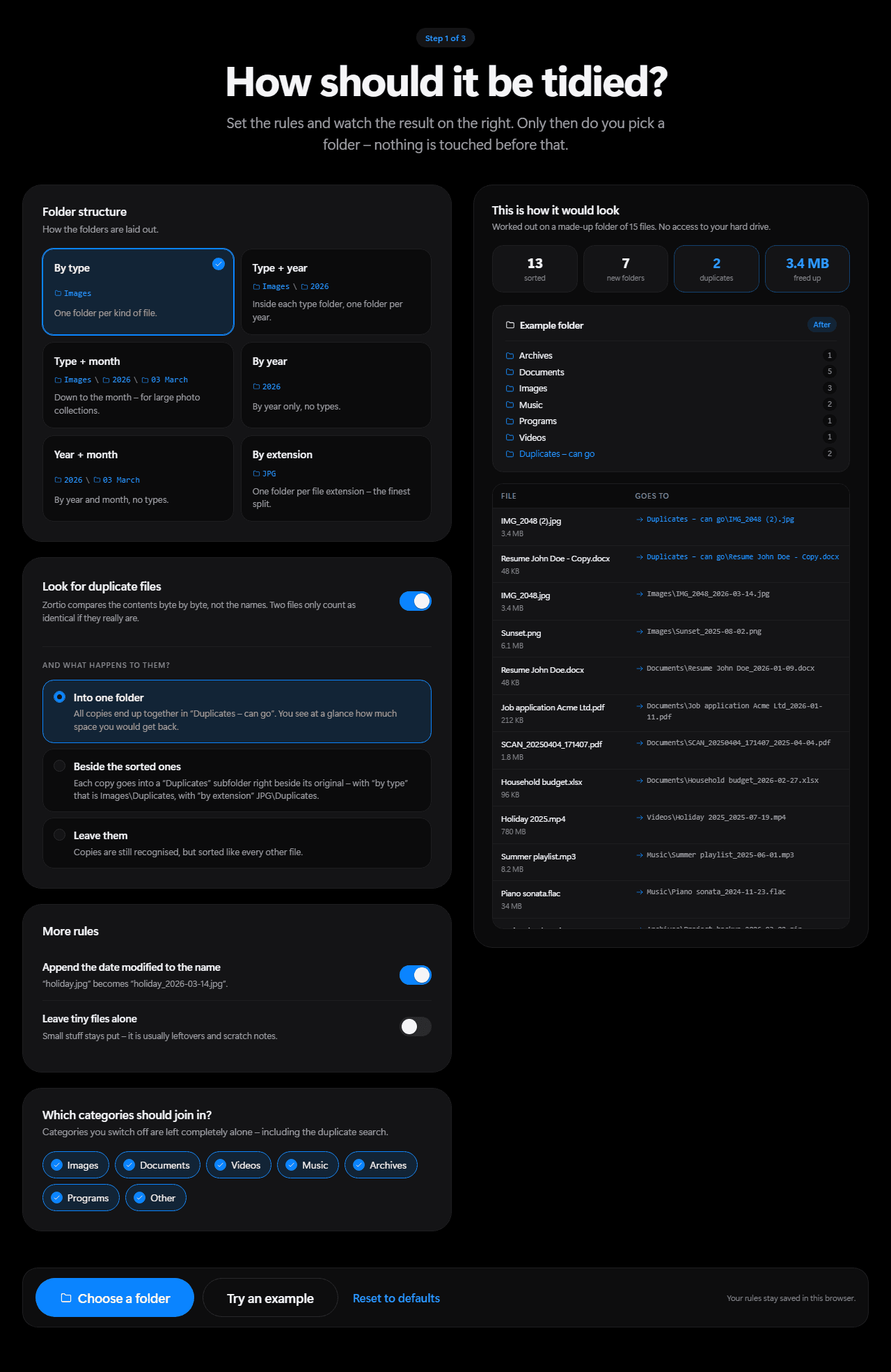
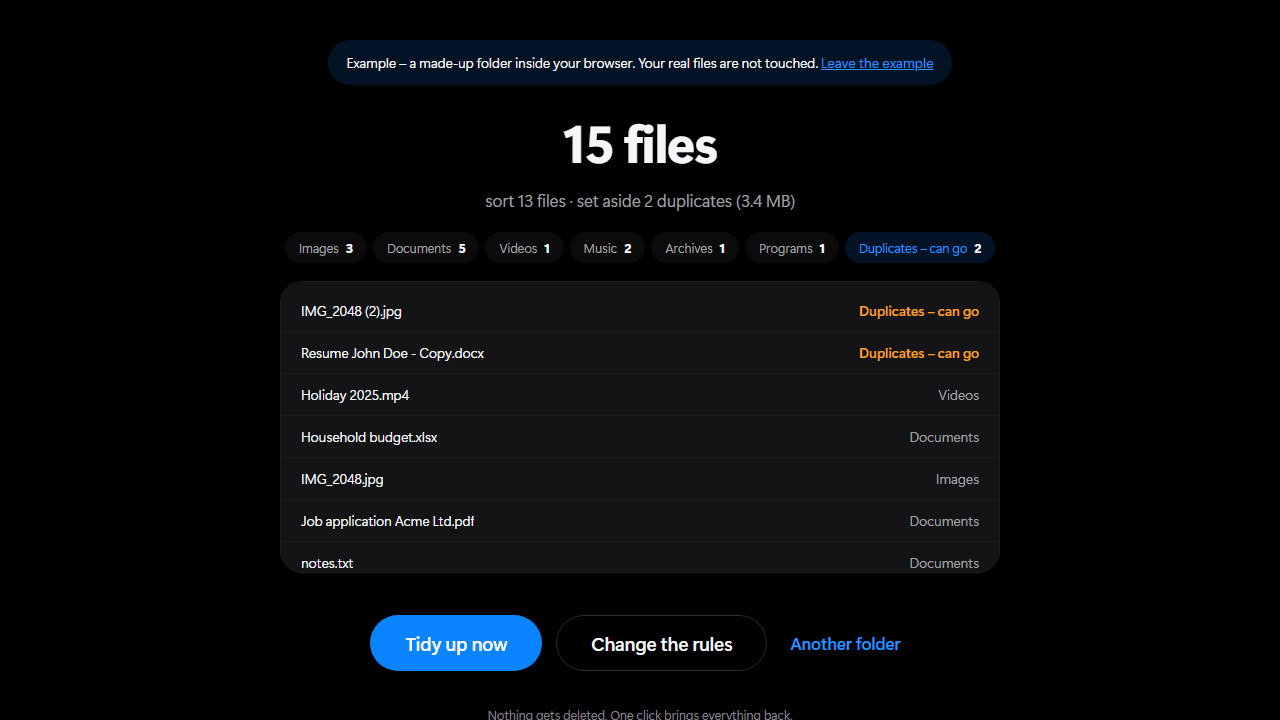
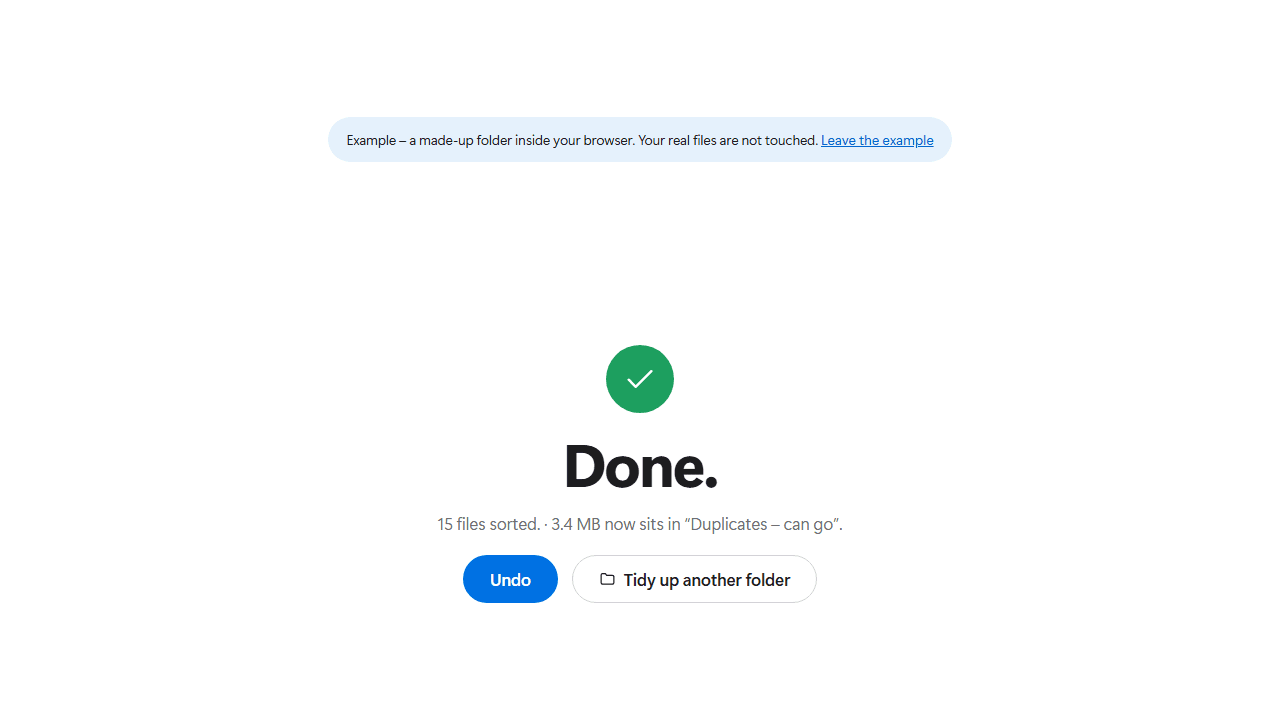
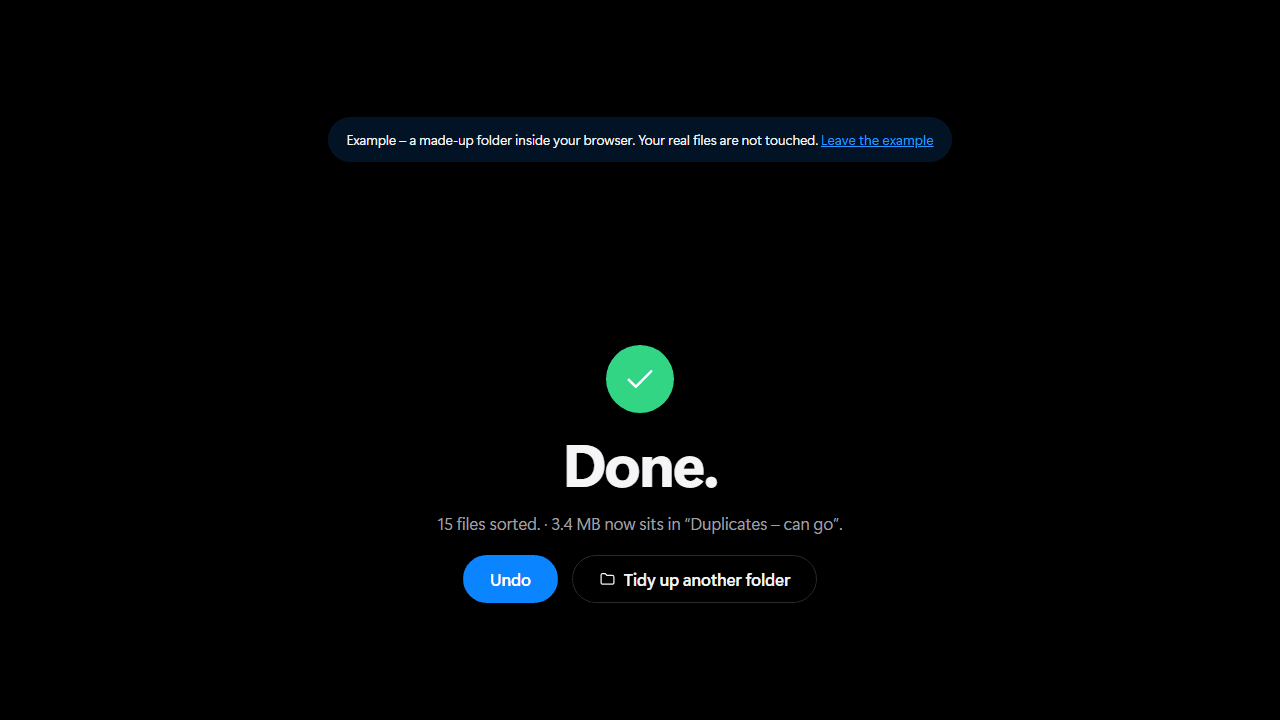
Four screens, from the start to the finished folder.
Now on a folder of your own.
Nothing uploaded, nothing installed, nothing deleted. You see the list before anything moves.
Chrome, Edge or Opera · Windows, macOS or Linux