Tidy.
Automatically.
Your downloads folder has 400 files and you can never find anything? Zortio sorts it in seconds – and shows you exactly what it would do first.
No installation, right here. Chrome, Edge or Opera – your files stay on your computer.
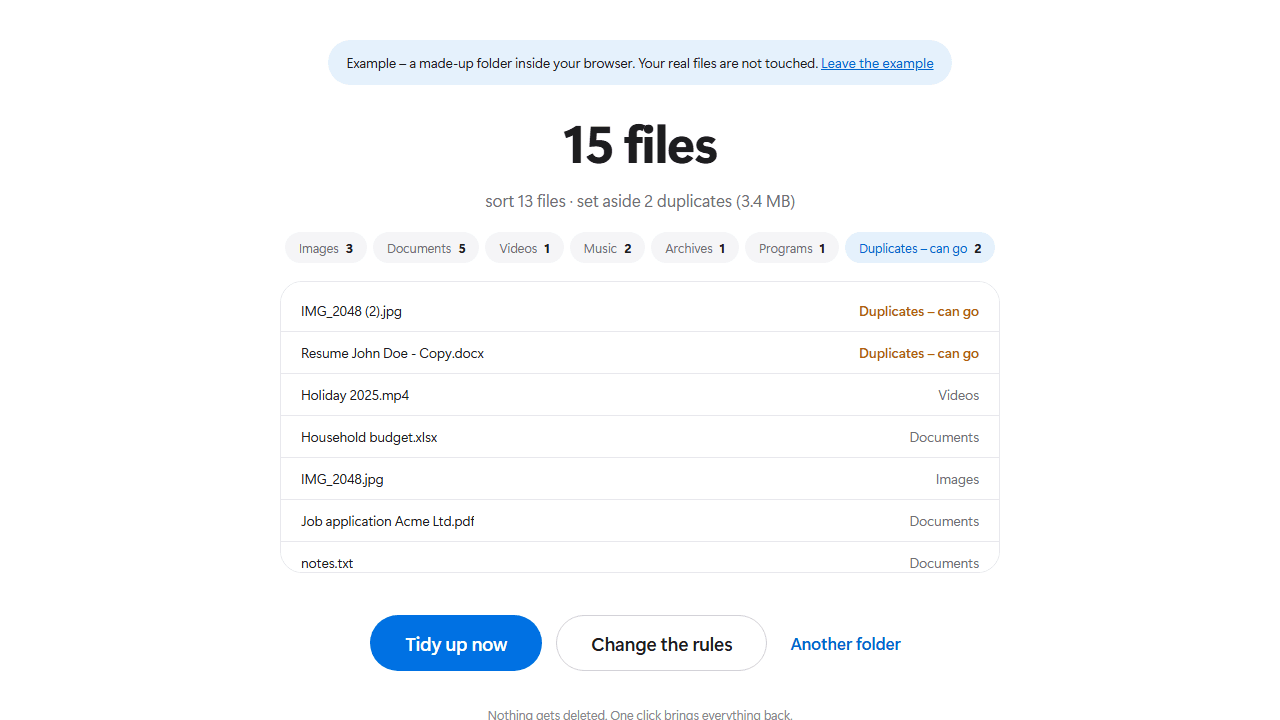
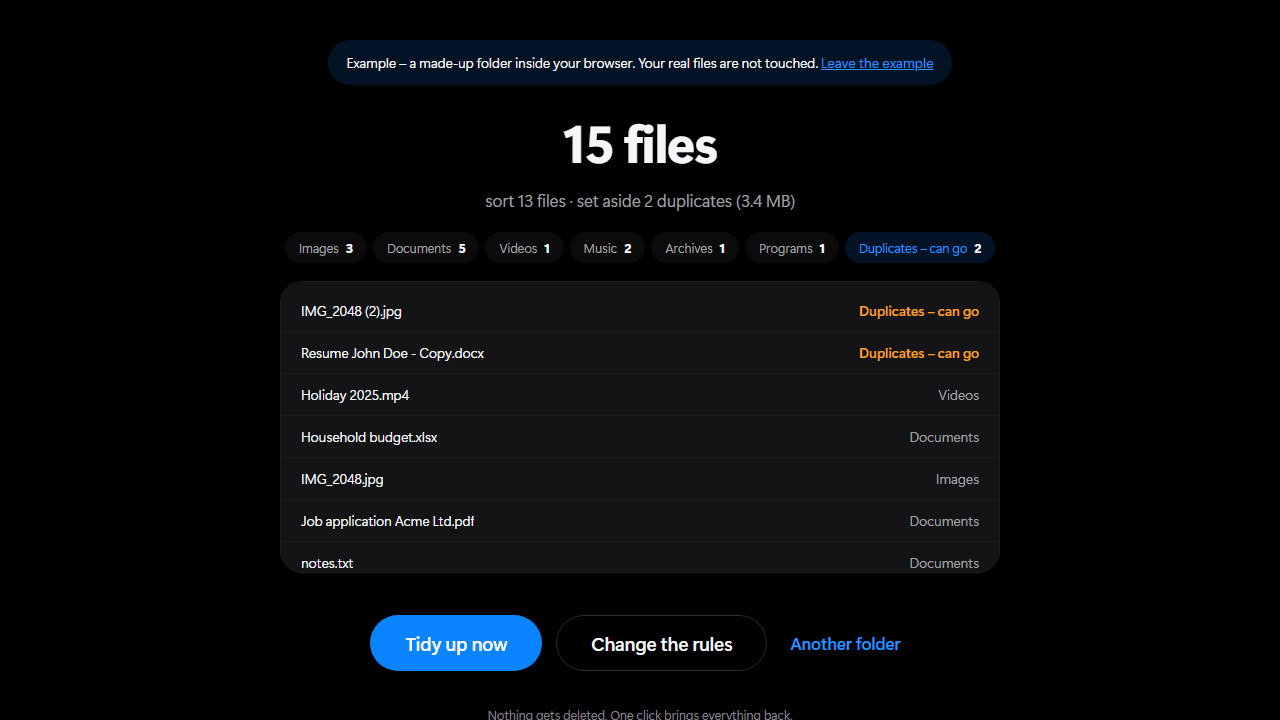
Three steps you can watch happen.
1Read
Zortio looks at what sits directly in the folder. Shortcuts, system files and half-finished downloads stay put – moving those would only break them.
2Compare
Size first, then the beginning, then byte by byte. What remains is genuinely identical – no guessing from file names.
3Sort
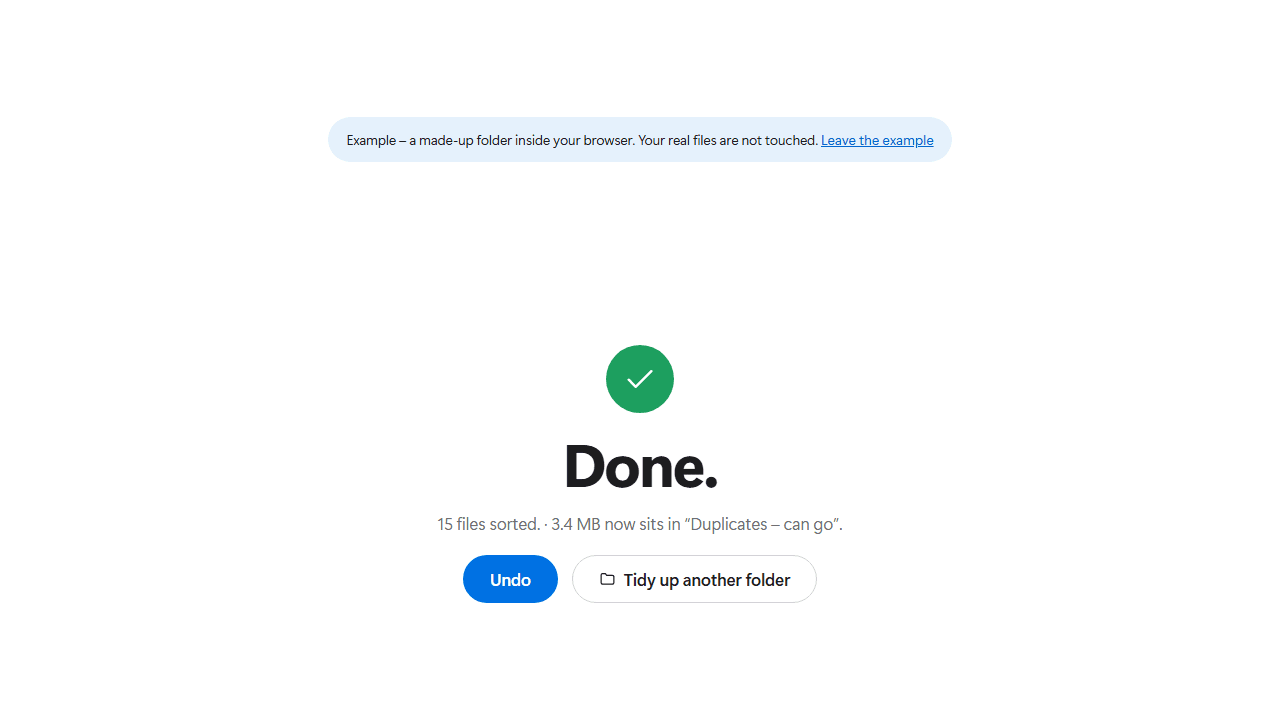
Every file moves into its folder and gets the date appended. Duplicates are set aside, nothing is deleted.
A pile becomes an order.
On the left a real downloads folder. On the right the same folder after Zortio has run once.
- IMG_2048.jpg
- IMG_2048 (2).jpg
- Resume John Doe.docx
- Job application Acme Ltd.pdf
- Screenshot 2026-03-14 121055.png
- Resume John Doe - Copy.docx
- SCAN_20260404_171407.pdf
- Holiday 2025.mp4
- Project backup.zip
- Summer playlist.mp3
- steam_setup.exe
- Household budget.xlsx
- and 6 more …
Every file keeps its name and gets the date modified appended.
No program should move your files behind your back.
Zortio shows you every single file and where it would go before anything moves. Do not like the list? Close the window – and nothing has happened.
What Zortio does for you
You decide the order
Six folder structures from coarse to fine, plus rules for the date suffix, duplicates, small files and individual categories. The preview works through every change instantly – before you grant access to a single folder.
Finds real duplicates
Not guessed from names but compared content by content. Zortio checks the size first, then the beginning, then the whole file. What remains is genuinely identical.
Shows you first
Preview first, decision second. You see every single file and where it would go before anything moves at all.
Everything is undoable
One click on “Undo” and every file is exactly where it was. The log stays in the folder – even after a restart.
Stays on your PC
No account, no upload, no cloud. Zortio needs no internet and sends nothing anywhere. It only reads the folder you point it at.
Nothing to install
Open the page, grant access to a folder, done. No installer, no warning on first start, nothing left behind on your disk. Next time your rules are still there.
Common questions
Does Zortio cost anything?
No. Zortio is free, there is no trial period and no feature behind a paywall.
And so you can rely on that: everything you see in the program today stays free. Should there ever be something extra for companies – fixed rules for entire network drives, say – it changes nothing about the version you download here.
The website is funded by advertising. The program itself shows no ads and never will.
Do I have to install anything at all?
Nothing whatsoever. Zortio runs entirely inside your browser. There is no file to download and nothing left behind on your disk.
Everything still stays on your computer: the browser asks you for a folder and Zortio works only inside it. Nothing is uploaded – once the page has loaded it even keeps working without an internet connection.
You will need Chrome, Edge or Opera. Firefox and Safari cannot grant folder access yet.
Will my files be deleted?
No. Zortio moves files, it deletes none. Duplicates end up in a folder called “Duplicates – can go”, so that you decide yourself.
If a file with the same name is already at the destination, Zortio appends a number instead of overwriting.
What if I do not like the result?
Then you click “Undo” and everything is back where it was.
Zortio writes a log into a hidden folder called .zortio on every run. That is why undo still works after you have closed the program in between.
Are subfolders tidied too?
No, deliberately not. Zortio only touches the files sitting directly in the selected folder.
Subfolders usually already have an order that somebody created on purpose. Messing that up would be the opposite of tidying.
Tidy up your folder.
No sign-up, no installation, no data collection. Open the page, pick your rules, done.
Chrome, Edge or Opera · Windows, macOS or Linux